





How to Create a Wedding Photobook
I just received all my wedding photos from my photographer (about time!), and I was struggling with how to print them. My husband and I will be celebrating our first anniversary soon, and I'd like to creatively display the pictures from the happiest day of our lives. My parents had a large framed print from their wedding hanging in the hallway and a hardly-touched 4x6 photo album overflowing with plastic sleeves. However, I knew I wanted something more than just a big print or a photo album that was hidden away collecting dust because it no longer matched my aesthetic.
A friend gave me a great idea for how to use my photos. She used her wedding photos from three years ago to create a gorgeous wedding photobook. I thought this was a fabulous idea to display my pictures in a neat, organized, and aesthetically pleasing way! I was able to easily design a photo book that I know will look beautiful on my coffee table or shelf for years to come. Since our paper anniversary is coming up, this is the perfect gift for my husband to celebrate making it through the first year of marriage. And some rosé—we deserve it!
Here are the steps I followed to create my beautiful wedding photobook:
Gather Your Favourite Photos: Start by selecting your favourite wedding photos. Choose a variety of shots that capture different aspects of your special day – from candid moments with loved ones to stunning portraits of you and your partner. My favourite was the first kiss photo! I made sure that was a double-spread image.
Choose a Theme or Style: Decide on a theme or style for your photo book. Whether you prefer a classic and elegant design or a more modern and creative layout, pick a style that reflects your personality and complements the overall vibe of your wedding.
Art Supplies and Sketchbook: Fuel her creativity with a set of high-quality paints, pencils, or a beautiful new sketchbook.
Select Your Cover Type and Book Size: Similarly to the theme and style, ensure the cover of your photo book reflects the aesthetic of your wedding and where your book will be displayed. Also, consider the size of the book and how large you'd like your pages to be.
Organize Your Layout: Plan the layout of your photo book by arranging your selected photos in a meaningful sequence. Consider incorporating text, captions, or quotes to add context and storytelling elements to your book.
Add Personal Touches: Customize your photo book with personal touches such as your wedding date, names, or a heartfelt dedication. Experiment with different fonts, colours, and embellishments to make each page uniquely yours. I included a photocopy of our handwritten vows; it felt more personal than typing them up.
Review and Edit: Take time to review your photo book layout and make any necessary edits or adjustments. Pay attention to image quality, spacing, and overall flow to ensure a polished final product. I had to triple-check my spelling!
Order Your Photo Book: Once you're satisfied with the design, place your order for your wedding photobook. Be sure to select the desired size, cover material, and finish for a professional and polished look. When I was ready to check out, there was a sweet deal to use on my order too!
Enjoy!:When your wedding photo book arrives, take the time to look at every page and relive the magic of your wedding day. I suggest flipping through the pages and sipping some wine while listening to your wedding playlist. You can also share the photo book with family and friends to share your joy and celebrate your special day.
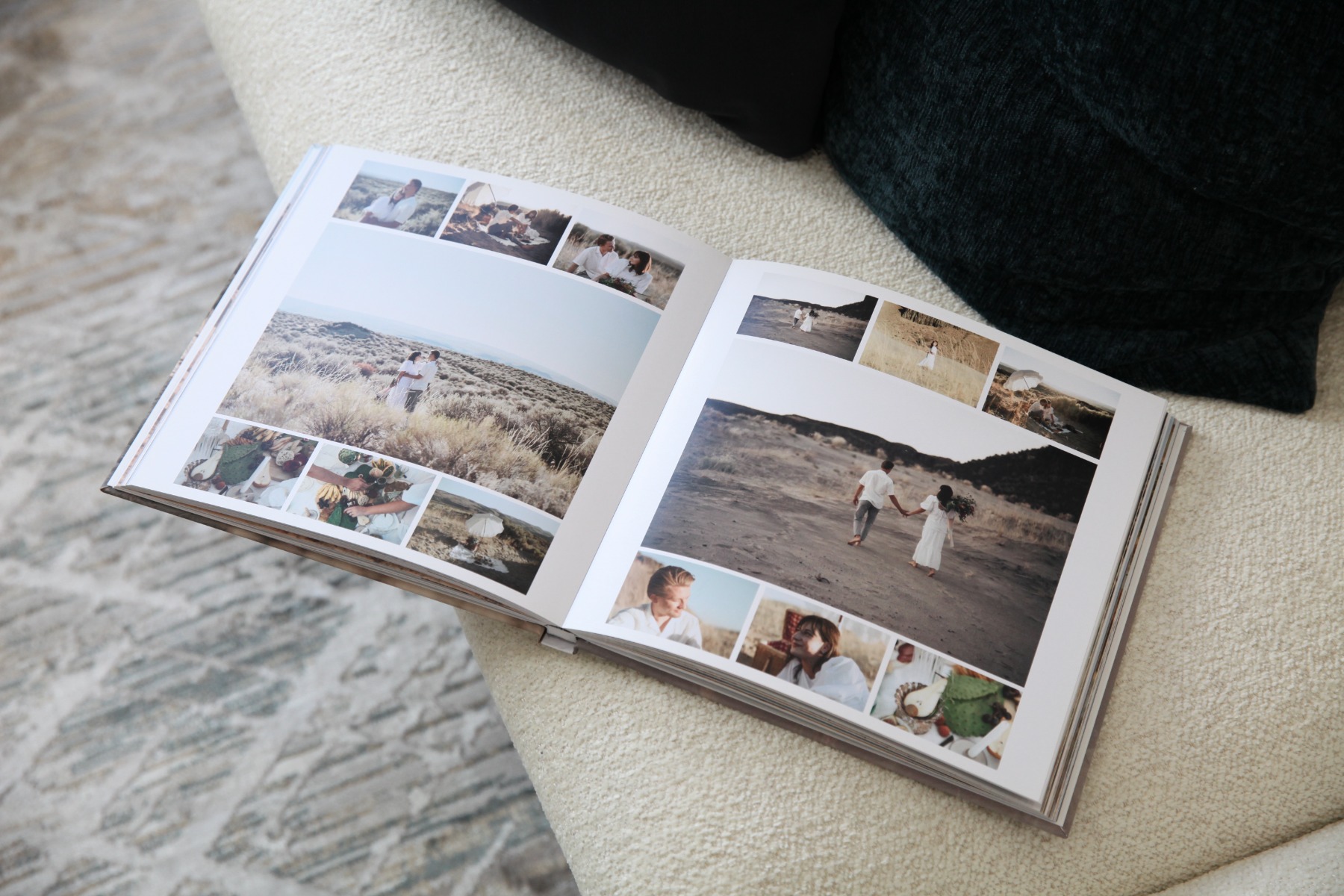
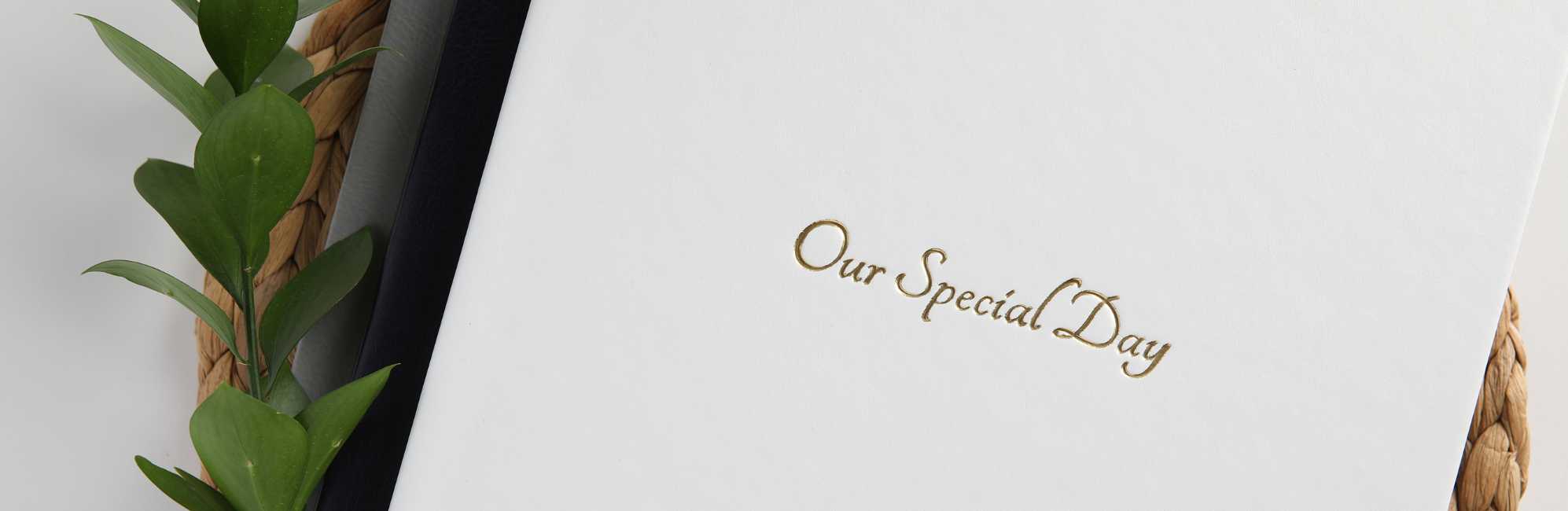
I also ordered a copy of my wedding photobook for my parents. Next, I'll have to work on scanning their wedding pictures too! Their pictures deserve to be displayed in a photobook that they will actually look at. They can even get the cover debossed with silver text to celebrate their 25th wedding anniversary.
I can't wait to give my wedding photobook to my husband; I'm sure he'll love it as much as I do. I'm so glad I found a personal way to display my wedding photos; they are too special to let sit on my laptop forever! I can't wait to see what else I can create with these pictures! See more about hardcover photobooks from Pikto here.